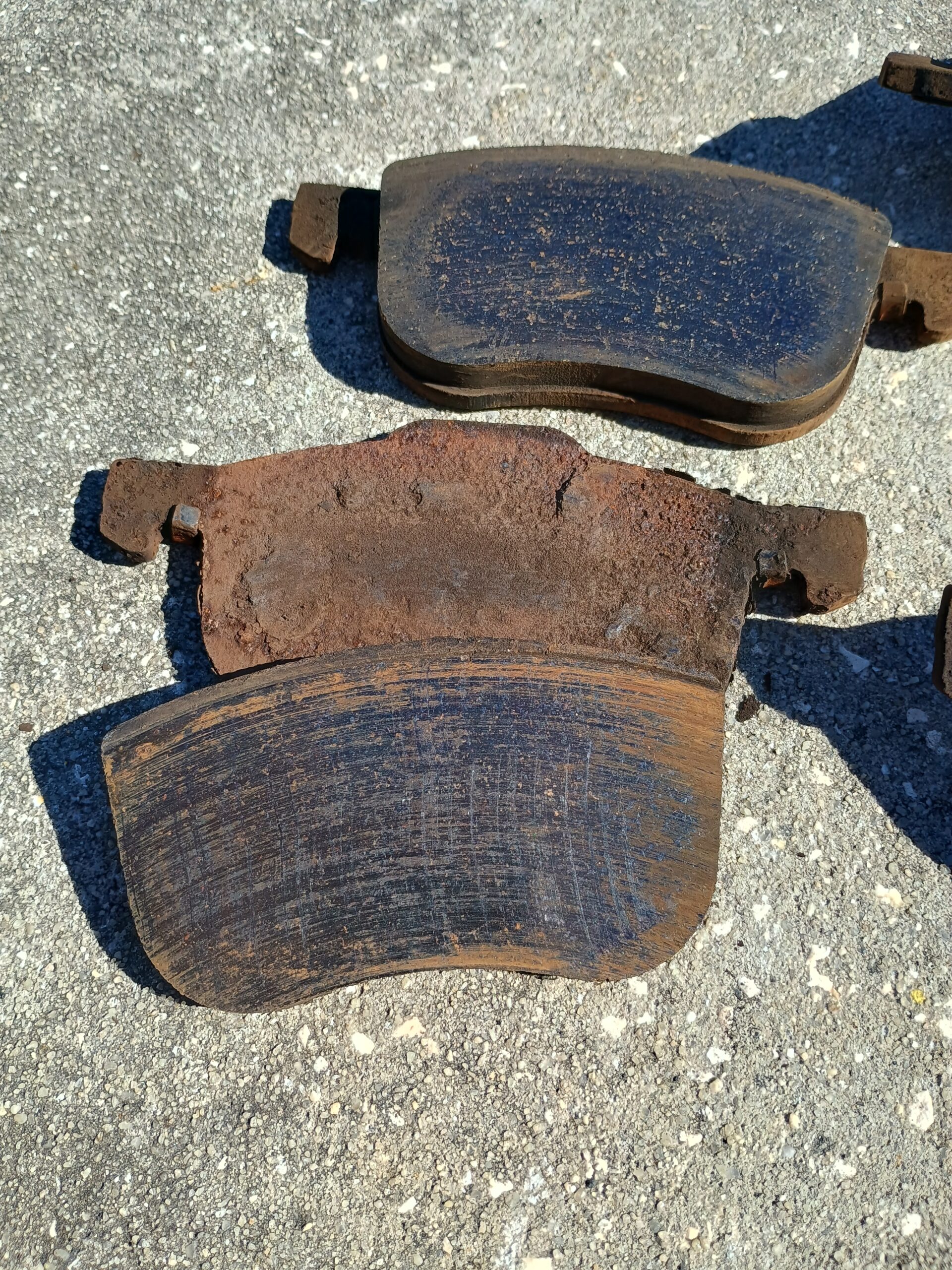
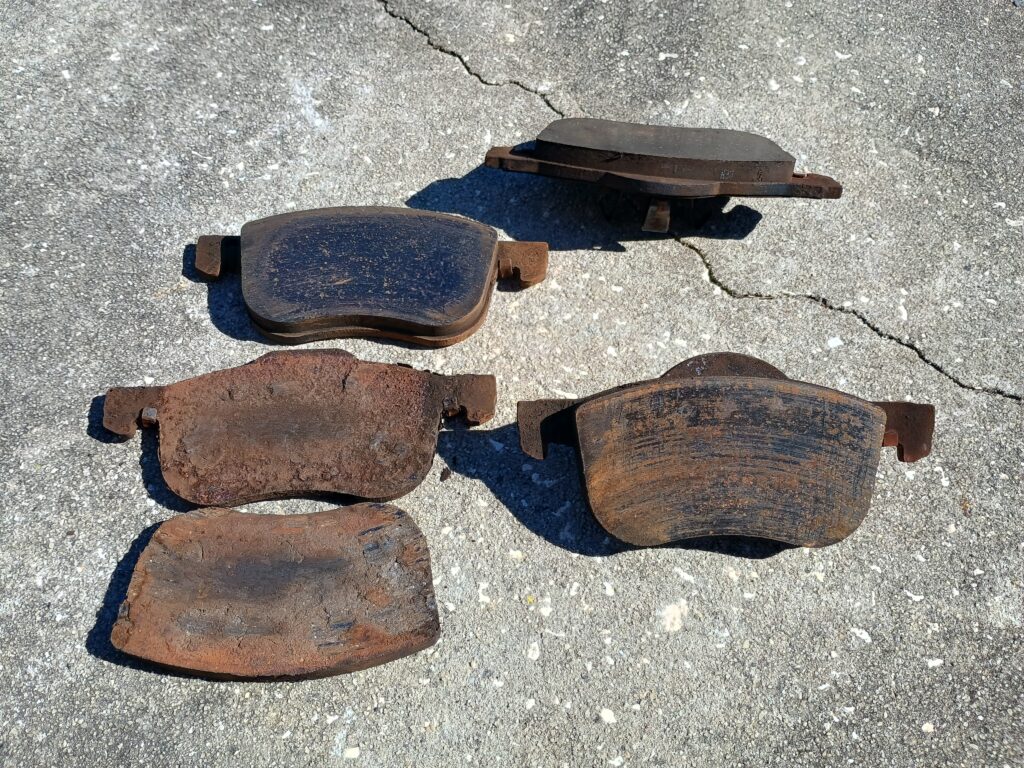
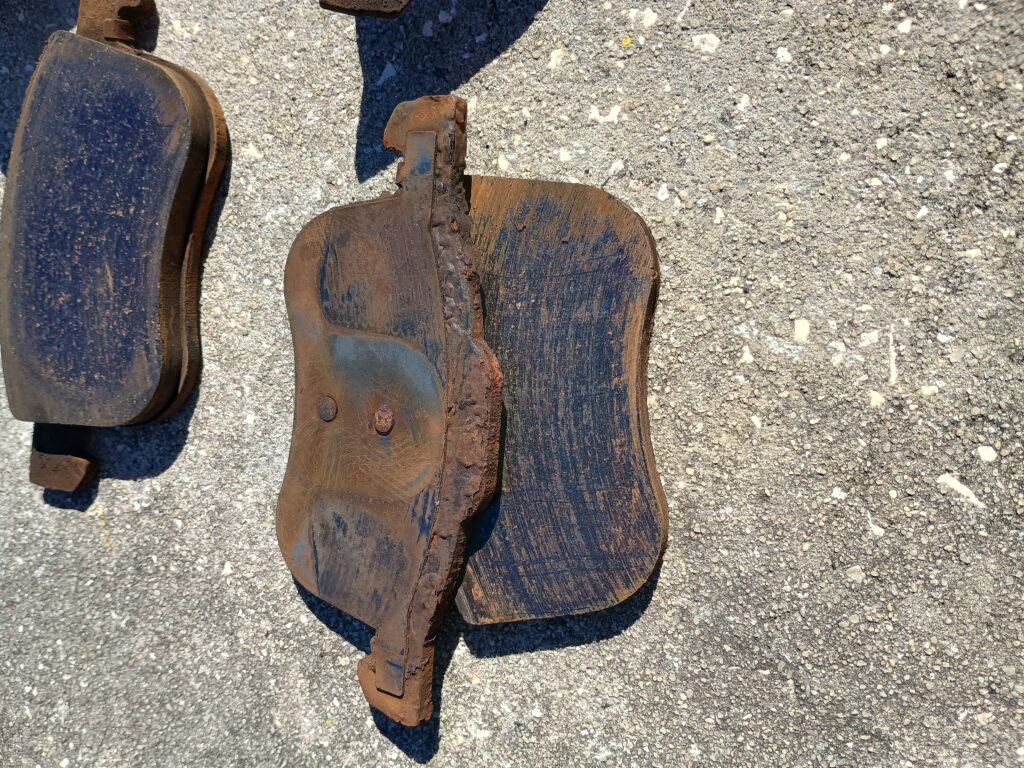
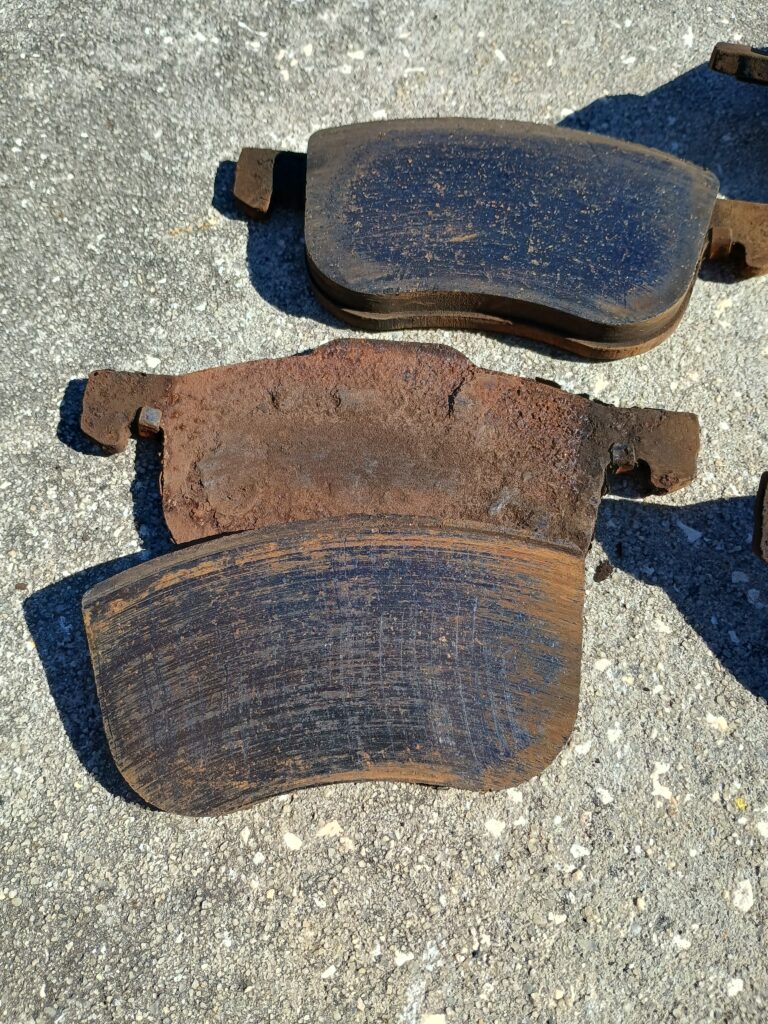
So we were replacing some front end parts on my son’s Volvo, and when he removed the brake pads this is what we found. Driver’s side was fine (top pads), however passenger side outside pad was detached and inside pad was rusty.
I saw that and said I had never seen anything like it, I wonder what could have caused it??
Turns out he was parking on the grass, in front of a sprinkler. A combination of just soaking the pad routinely, and we are assuming steam created when braking on wet pads caused the friction material to completely separate from the backing.
So the moral of this story is, no matter how much you don’t care about what your car looks like, if you don’t want to have unnecessary mechanical repairs probably best not to park in front of a sprinkler..
So i have a Canon MF644c printer, and a NAS. Made sense to me to be able to scan and save directly to a SMB share names “scans” on the NAS, and be able to get to the scans from any device in the house. I guess this made sense to canon because it worked and was fairly easy to set up.
Then there was a firmware update.
For almost a year we have had to scan to email (horrors!) and then save. I can’t even remember all of the things i tried. Not really important now.
What is important is that my garage is full of photos that belong to my mother in law, thanks to some hurricanes last season. It would be nice to be able to scan them and then give them back, now that her house is habitable again (just in time for a new hurricane season…).
So, I asked ChatGPT (again I think? could not find the first attempt in my history but i could have swore I tried it back then). Didn’t pinpoint the exact issue (and i have not uploaded my exact settings, so probably my bad), but pointed me in the right direction, so i thought I would share. I changed the host name of the NAS for the IP, but I don’t think that was the issue. I had a / in front of the share name. Removed the / and now it works again.
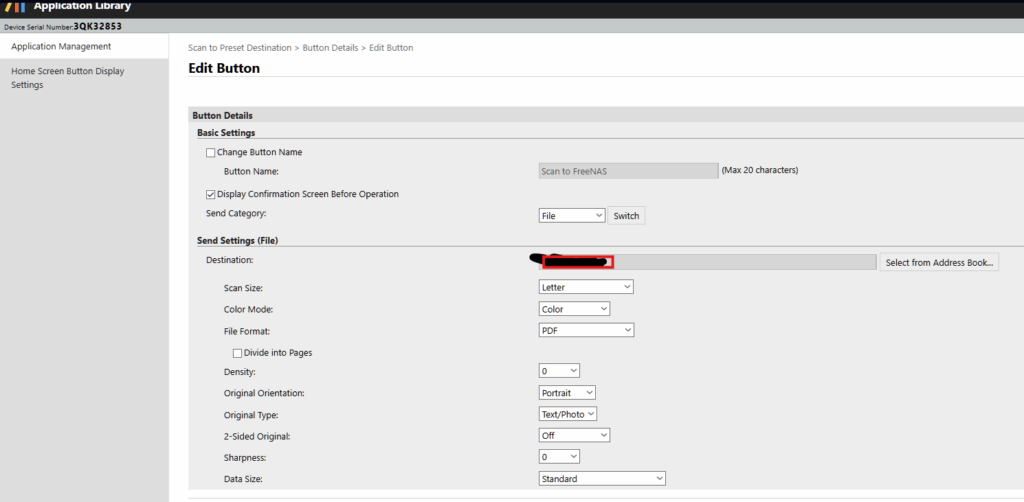
So, to set up a button to scan to a file on a windows share, here are the basic steps, and some screen shots:
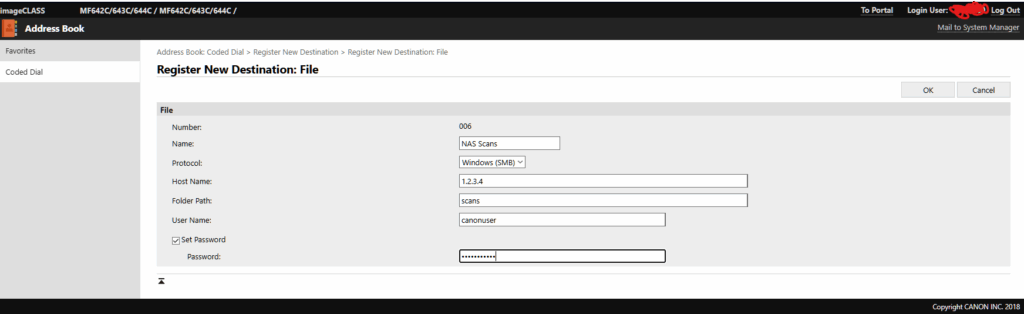
Set up your share in the Address Book. I used coded dial, looks like favorites will work as well.
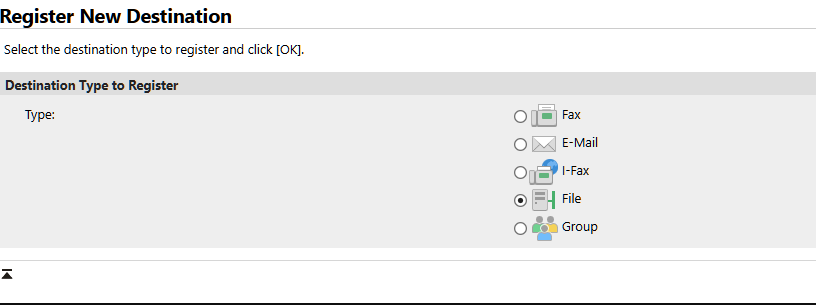
pick the type as “File”
set your name
set protocol to SMB
folder path is the share name (without a leading slash!)
set the username / password that have access to the share.
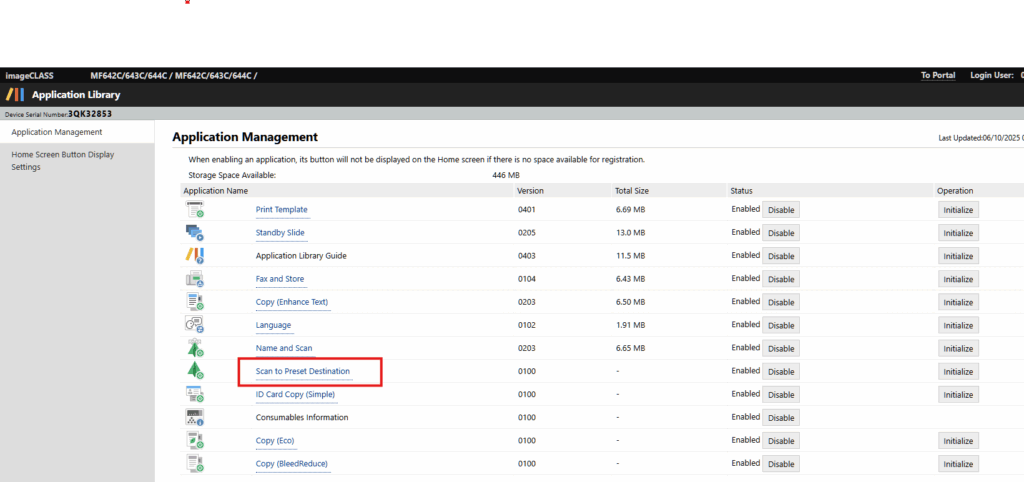
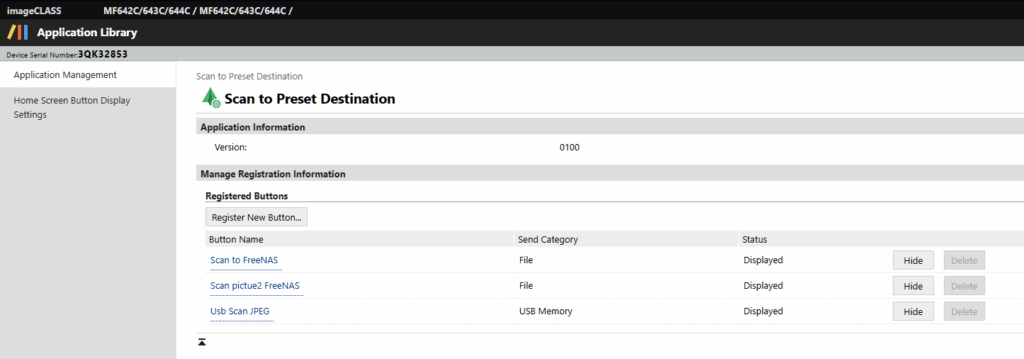
Go to Application Management, and pick “Scan to preset destination”
Select the type as “File” and hit the switch button
Welcome to my blog. I registered the domain years ago when I was so busy I always felt like i was “beyond overload”. Naturally I was too busy to do anything with it. Well now, especially in the time of AI, i have found that i have been able to use various LLMs to arrive at solutions to problems. I thought this would be a good way to publish some of these solutions and make them available to you, and to the LLMs, to make it easier to find if someone else has the same problem.